April 9, 2026 · noface.video team
How to Start a Faceless Instagram Channel with Peter & Stewie (Step-by-Step Guide)
No face. No camera. No problem.
How to Start a Faceless Instagram Channel Using noface.video
No face. No camera. No problem. This guide walks you through everything you need to launch a viral faceless Instagram channel — from warming up a brand new account to rendering your first video.
Whether you want Family Guy–style banter between Peter and Stewie, short skits, or story-driven Reels, the workflow is the same: pick your characters, write the script, generate the video, and post.
Step 1: Create & Warm Up Your New Instagram Account
Before you post a single Reel, Instagram needs to trust your account. A brand new account that immediately starts posting short-form content gets flagged as spam — killing your reach before you even begin.
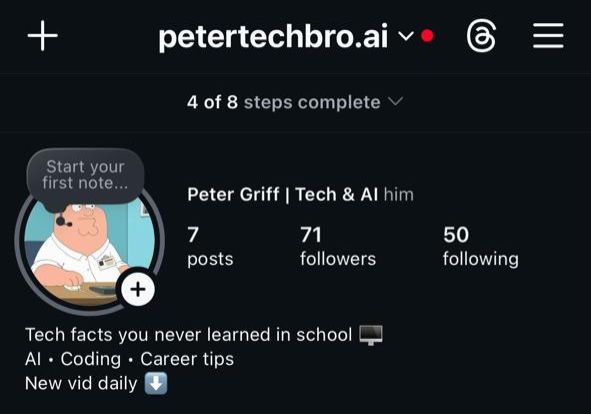
Creating the Account
- Use a fresh email address dedicated to this channel
- Choose a niche-specific username (e.g.
@dailyfunfacts.aior@peterstewieclips) - Add a profile picture and bio immediately — use a character avatar and include a keyword in the bio (e.g. "Daily funny AI shorts 🎬")
- Switch to a Creator account: Settings → Account → Switch to Professional Account → Creator
The One-Day Warm-Up
This is simple. You're just training the Instagram algorithm to know exactly what kind of content you want to see — and eventually, what kind of audience will watch your page.
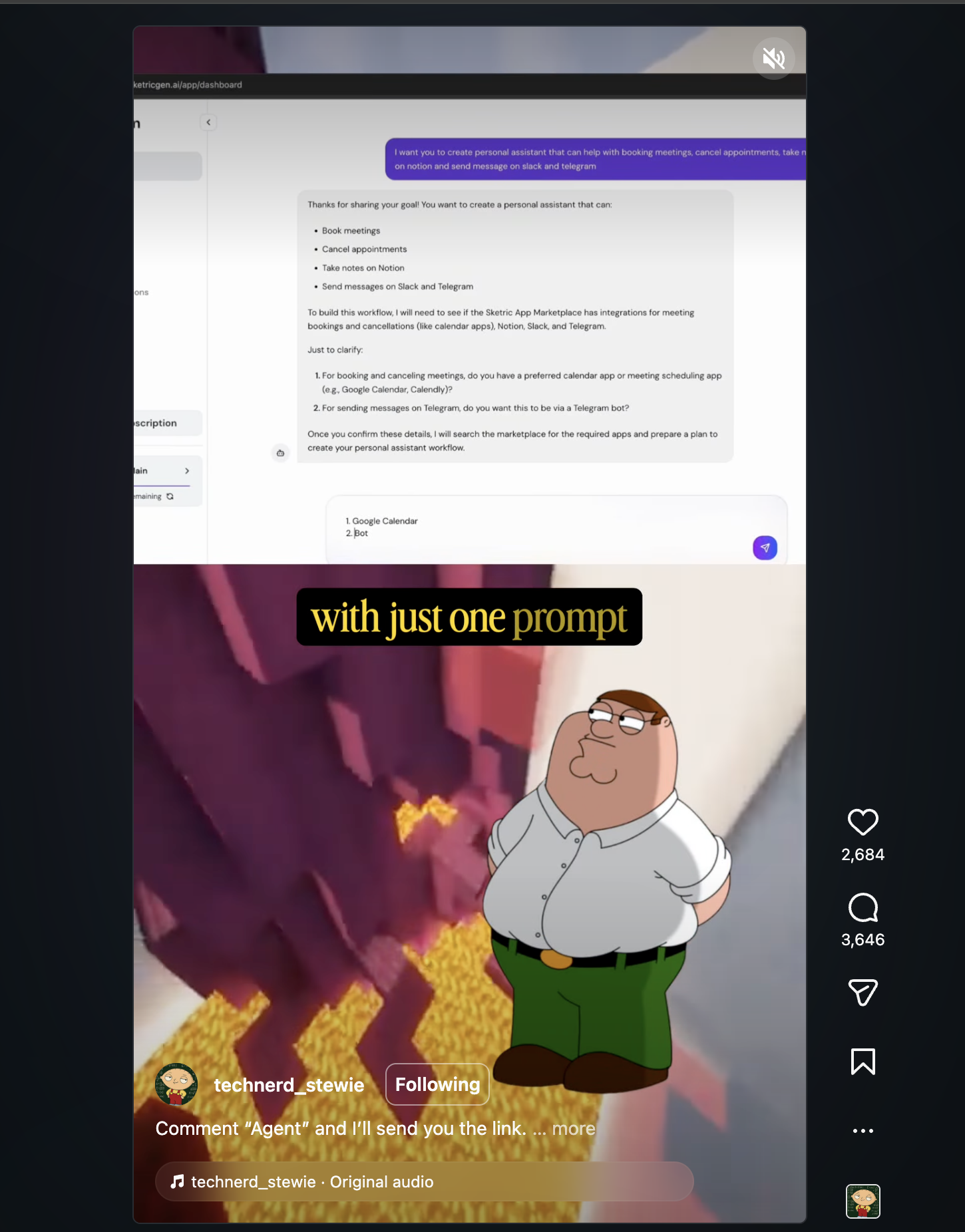
Here's all you do: Search for Peter and Stewie Minecraft videos on Instagram. When you find them, like them, follow the account, leave a comment, and share the video. Then close the app completely and come back 30–60 minutes later.
Repeat this process throughout the day. Like, follow, comment, share — then leave. Every time you come back, your feed will have more Peter and Stewie content. Keep going until your entire feed is almost nothing but that style of video.
That's it. By the end of the day Instagram knows exactly who you are, what niche you're in, and who your future audience is. Your account is now warm and ready to post.
Pro tip: Use the same Wi-Fi and device every session. Inconsistent IP addresses can trigger security flags on new accounts.
Step 2: Sign Up on noface.video
Now that your account is warm, it's time to create the content. noface.video is the platform for generating faceless viral videos with animated characters — no filming, no editing software, no experience required.
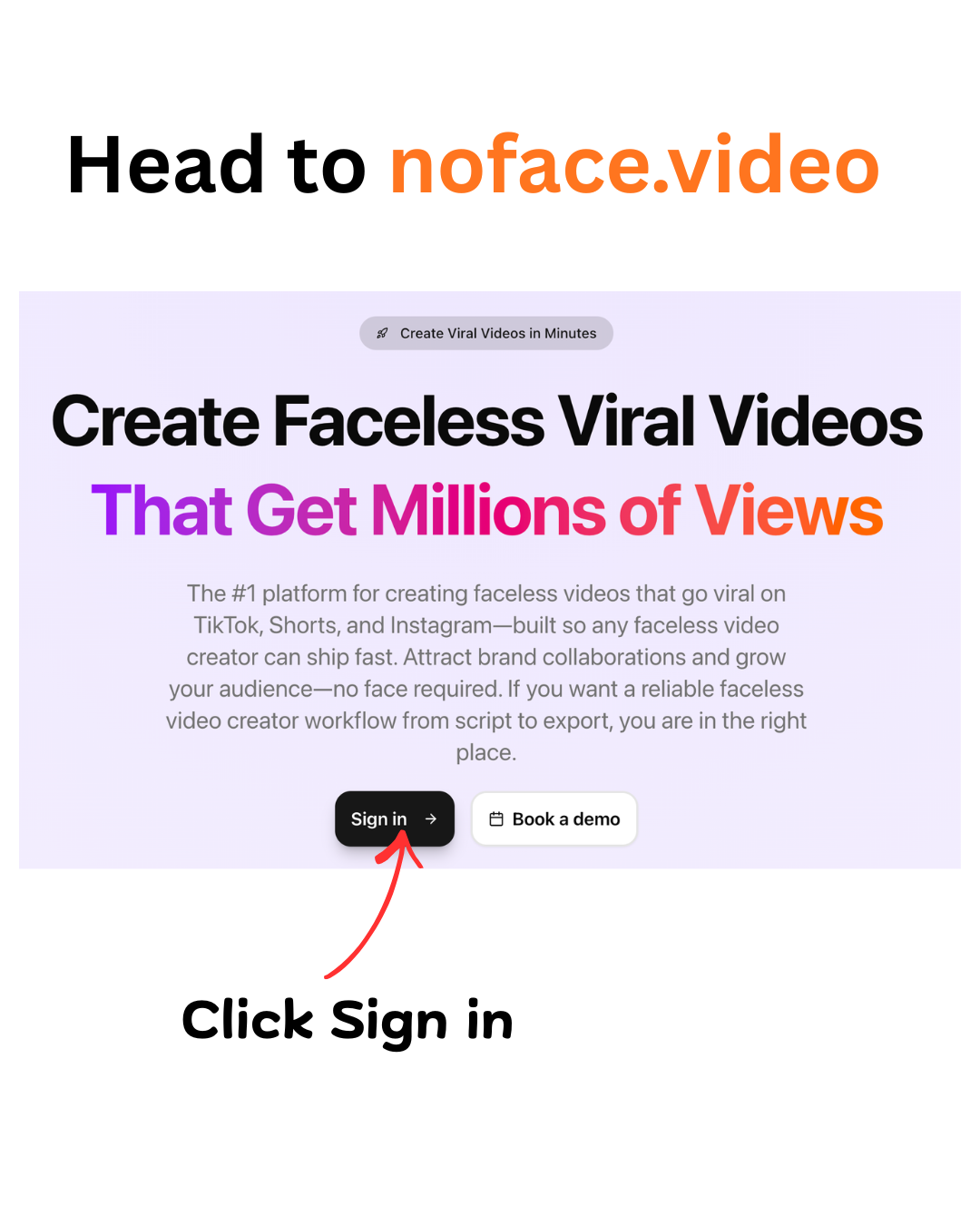
- Go to noface.video and click Sign in
- Create your account — you'll receive credits on signup to get started immediately
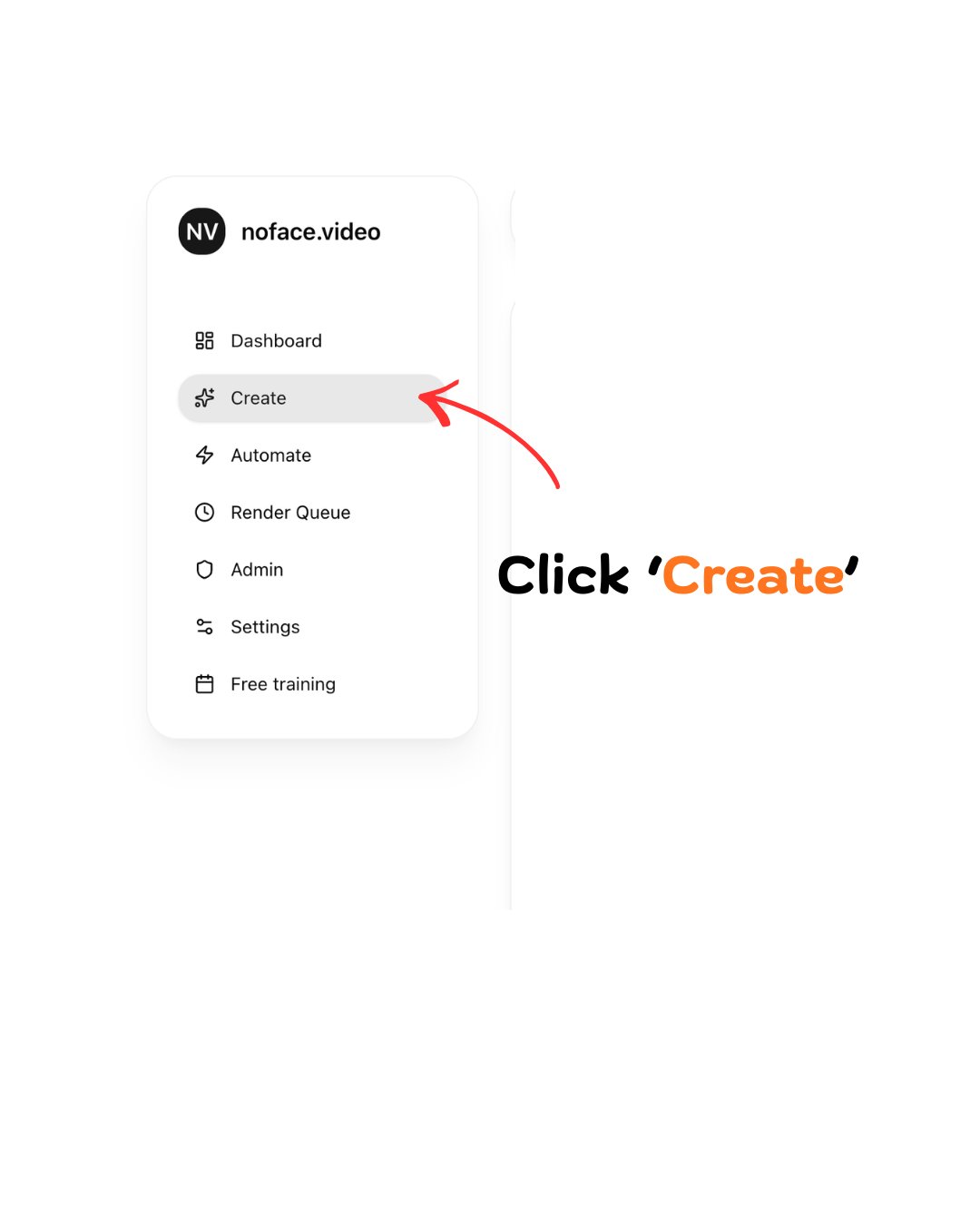
- Once inside the dashboard, click Create in the left sidebar
Step 3: Choose "2 Characters Having a Conversation"
After clicking Create, you'll see three video formats. Choose 2 Characters Having a Conversation and click Start.
This is the Peter & Stewie format that's dominating Instagram Reels and TikTok right now. You pick two characters, write a back-and-forth script, layer it over viral gameplay footage, and export a fully-voiced reel.

Select Your Characters
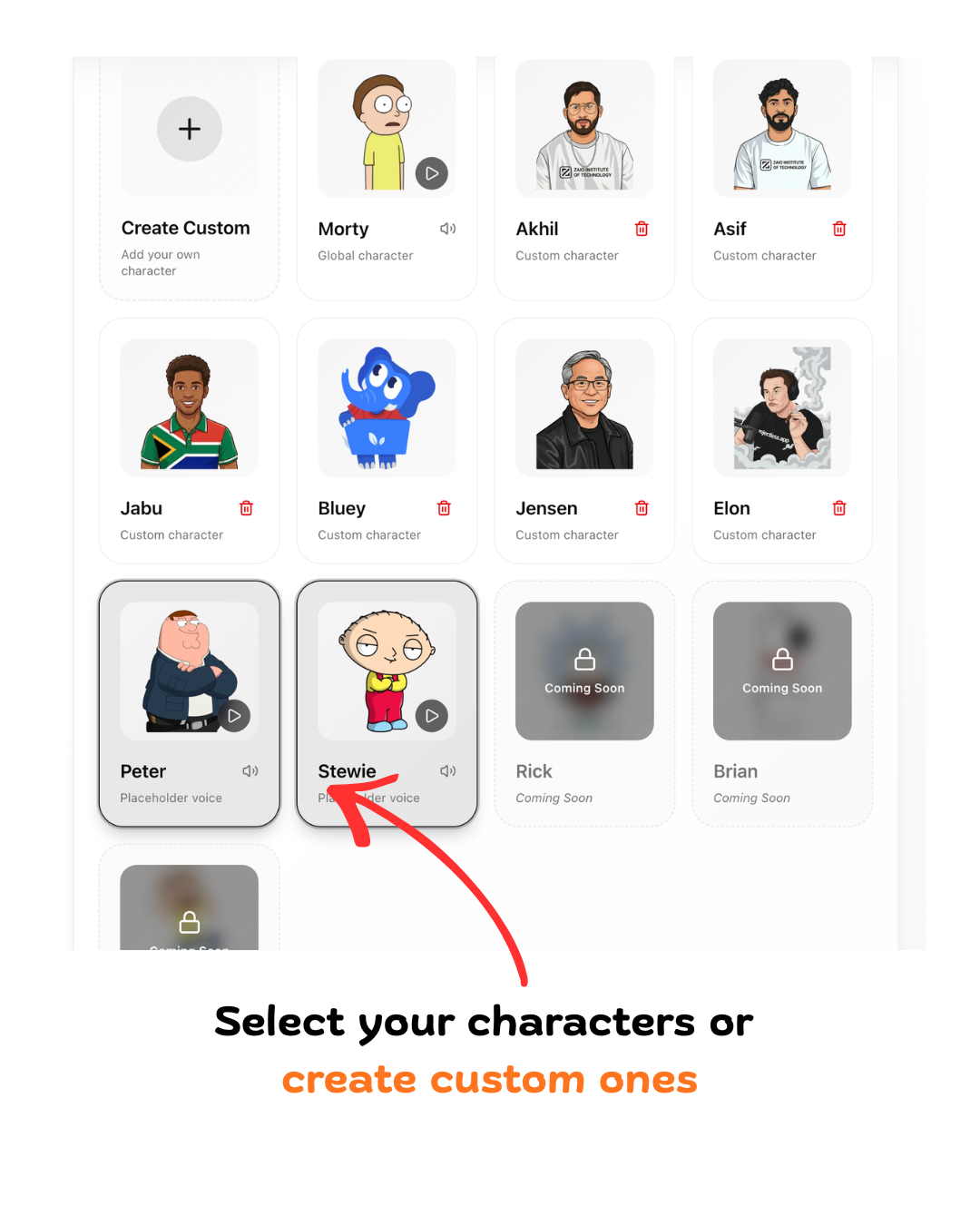
Pick Peter and Stewie from the character library — both are available with placeholder voices. You can also click Create Custom to upload your own character image and assign a unique voice. This is how top creators build a brand identity that's impossible to copy.
Script the conversation
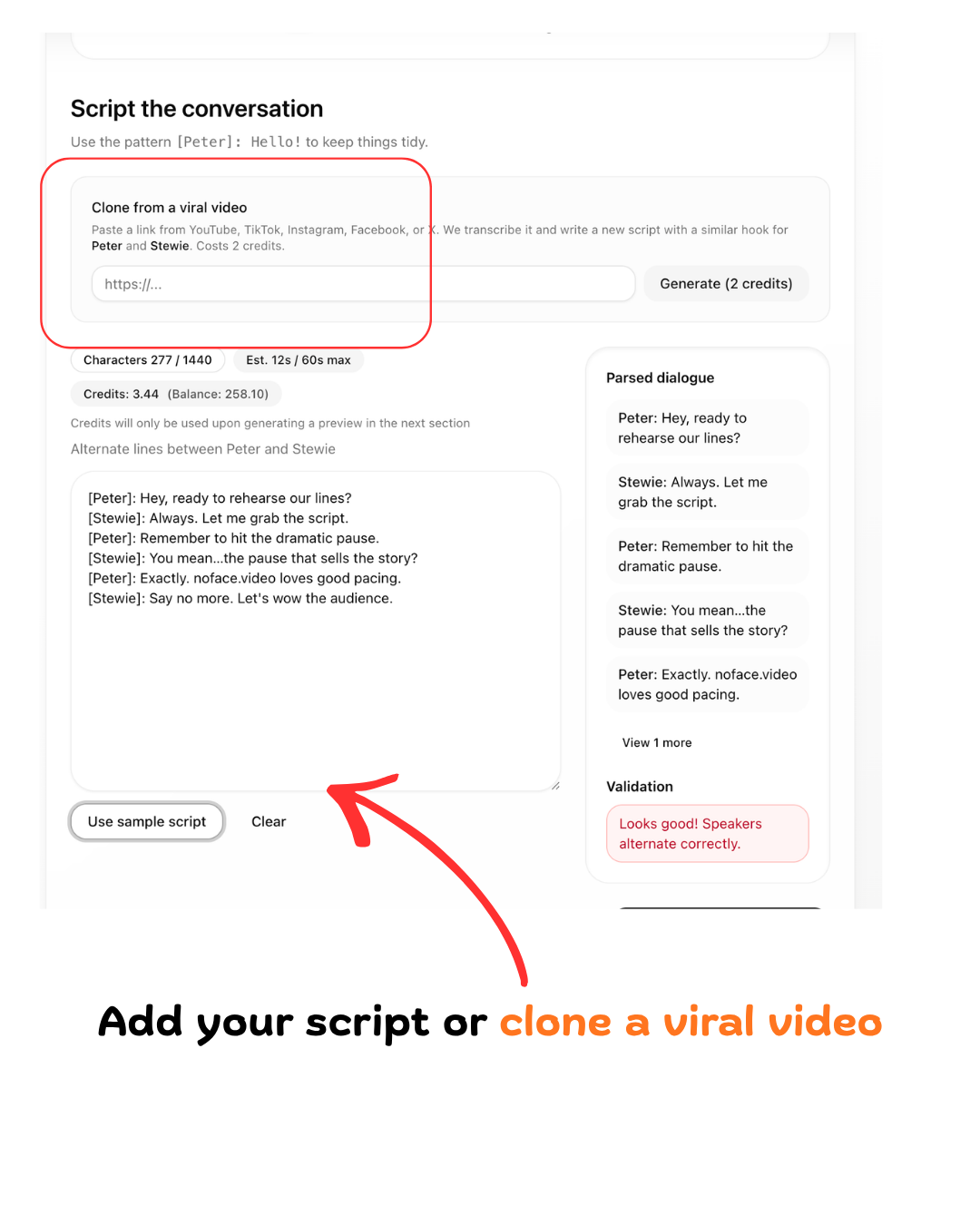
Next, you'll land on the script screen — add your dialogue here or use Clone from a viral video (paste a YouTube, TikTok, or Instagram URL). The tips below go deeper on hooks, format, and credits.
Step 4: Write Your Script (or Clone a Viral Video)
The script is the most important part of your video. The hook — the first 2 seconds — determines whether someone scrolls past or watches the whole thing.
Use this format in the script editor:
[Peter]: Your line here.
[Stewie]: Response here.
Characters must alternate lines. Keep the total under 60 seconds for maximum retention.
Strong hook formula: Open with a question — "Did you know…?" or "Wait, is this actually true?" — that demands an answer.
Clone a viral video: Paste any YouTube, TikTok, or Instagram URL into the Clone from a viral video box and the AI rewrites it as a Peter & Stewie script automatically. This costs 2 credits.
Ideal length: 20–45 seconds. The sweet spot for Instagram Reels watch-through rate.
Step 5: Choose a Viral Background Video
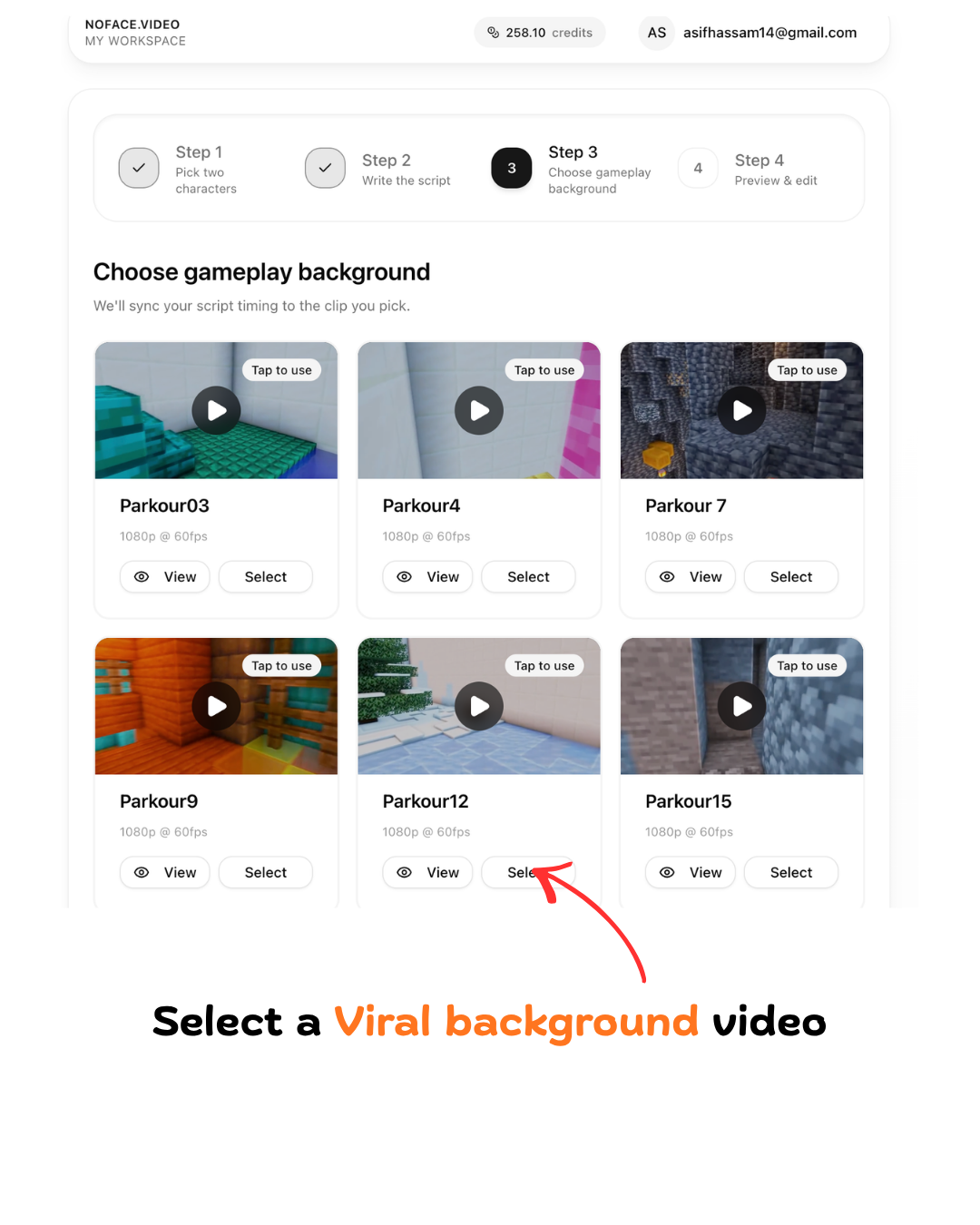
Pick a gameplay background video. Parkour and Minecraft clips are the top performers — the motion keeps viewers watching while the dialogue delivers the value.
- Preview each clip using the play button
- Select the one that's visually interesting but not too distracting
- noface.video automatically syncs your script timing to the clip
Why it works: Parkour and Minecraft backgrounds consistently outperform static backgrounds by 2–3× in average watch time.
Step 6: Preview, Fine-Tune & Render
- Click Generate Preview — this creates a watermarked preview so you can check timing, subtitles, and animations before the final render
- Fine-tune in the TikTok-style editor — adjust subtitles, timing, character slide-in animations, and overlays
- Click Render Final (HD 1080×1920) — your video renders in the background at full Reels resolution
- Download and upload to your warmed-up Instagram account. Engage for 15 minutes after posting to maximise the algorithm boost.

What to Do After Your First Post
- Post 2 Reels per day at peak times
- Check Instagram Insights after 48 hours — watch time % and saves are your key metrics
- When a video hits, make 3–5 more in the same format. Double down on what works.